How to Apply for a Birth Certificate in Kenya
A complete step-by-step eCitizen guide designed for parents and citizens in Eldoret and Kenya. Get your documents ready with ease and fast professional support.
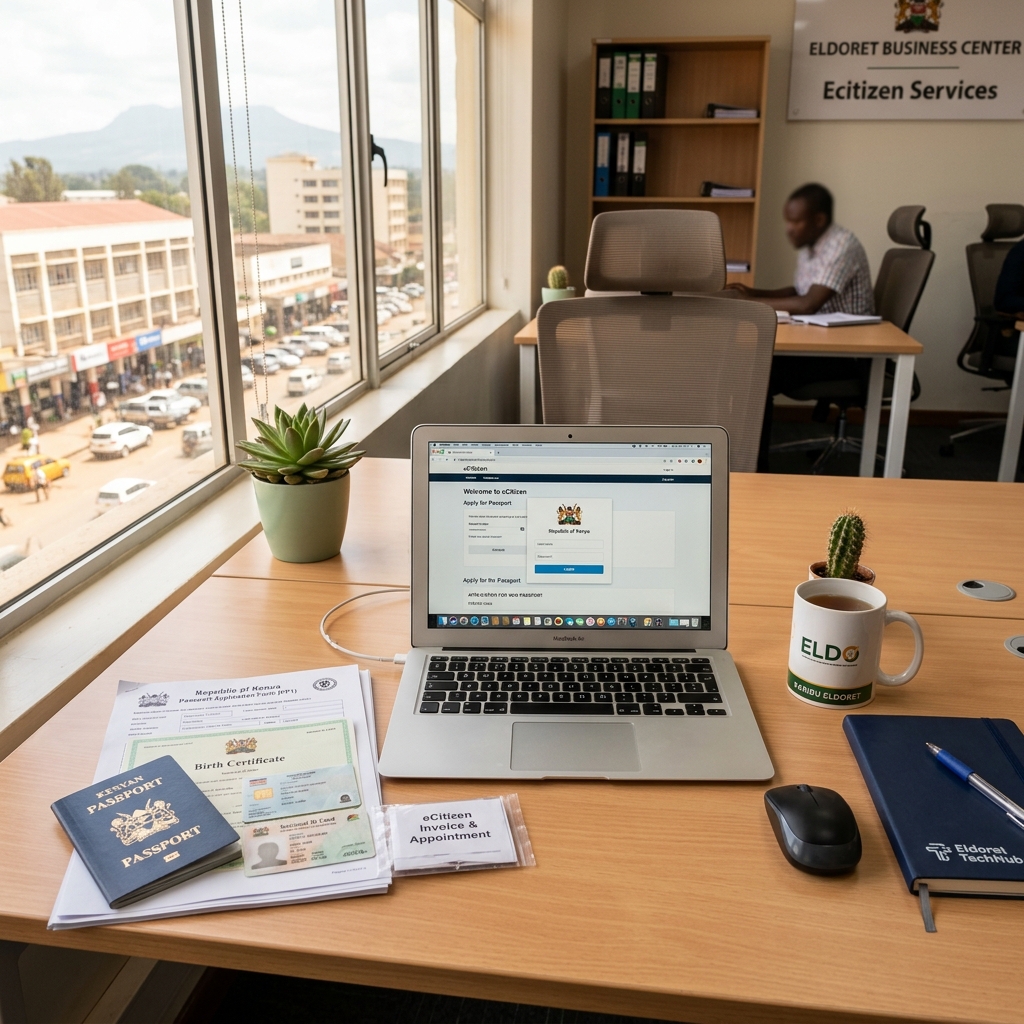
What You Will Need
Gather these official documents before logging into eCitizen
Notification of Birth
The original clinical notification card issued by the hospital or health center where the child was delivered.
Parents' ID Cards
Originals and clear scanned copies (front & back) of both mother's and father's National Identity Cards.
Registered eCitizen Account
Active eCitizen account with verified phone number to pay M-Pesa fees and receive approval notifications.
The eCitizen Application Process
Log In to eCitizen Portal
Navigate to accounts.ecitizen.go.ke and sign in with your ID number/email and password.
Select Civil Registration Department (CRD)
Locate Department of Civil Registration service menu and click Apply for Birth Certificate.
Upload Documents & Pay Fee
Fill in child & parents' details, upload clear PDF/JPEG scans of the birth notification and parent IDs, and complete the official eCitizen payment (approx KES 180) via M-Pesa.
Status Tracking & Collection
Track approval on your eCitizen dashboard. Once ready, collect your official printed Birth Certificate at your designated Civil Registration office (e.g. Eldoret Huduma Centre or Registrar Office).
Struggling with the Portal? Visit Us for Help.
Our experts in Eldoret are ready to guide you through the process, scan your documents to required PDF sizes, and ensure your eCitizen application is successful on the first try.
- check_circleHigh-Speed Document Scanning to PDF
- check_circleInstant M-Pesa Payment Assistance
- check_circleApplication Status Tracking & Printout
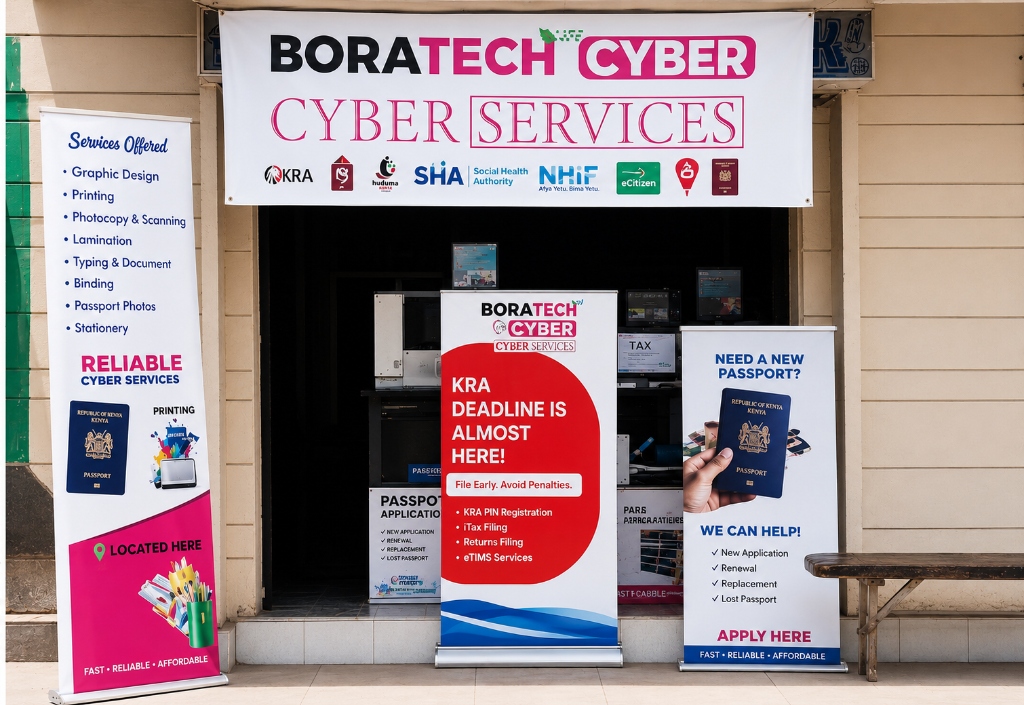
Boratech Cyber Services
Opposite Eldoret Hospital, Along Makasembo Rd, Eldoret, Kenya
Working Hours: Mon-Fri 8:00 AM - 7:00 PM | Sat 9:00 AM - 5:00 PM